Mobile Clock In Clock Out App for UK Teams
A simple, reliable mobile clock in clock out app for UK businesses. Workers use the Android app or mobile web to clock in and out, with GPS verification at each event — no live tracking, no surveillance. Perfect for mobile, site-based, and multi-location teams.
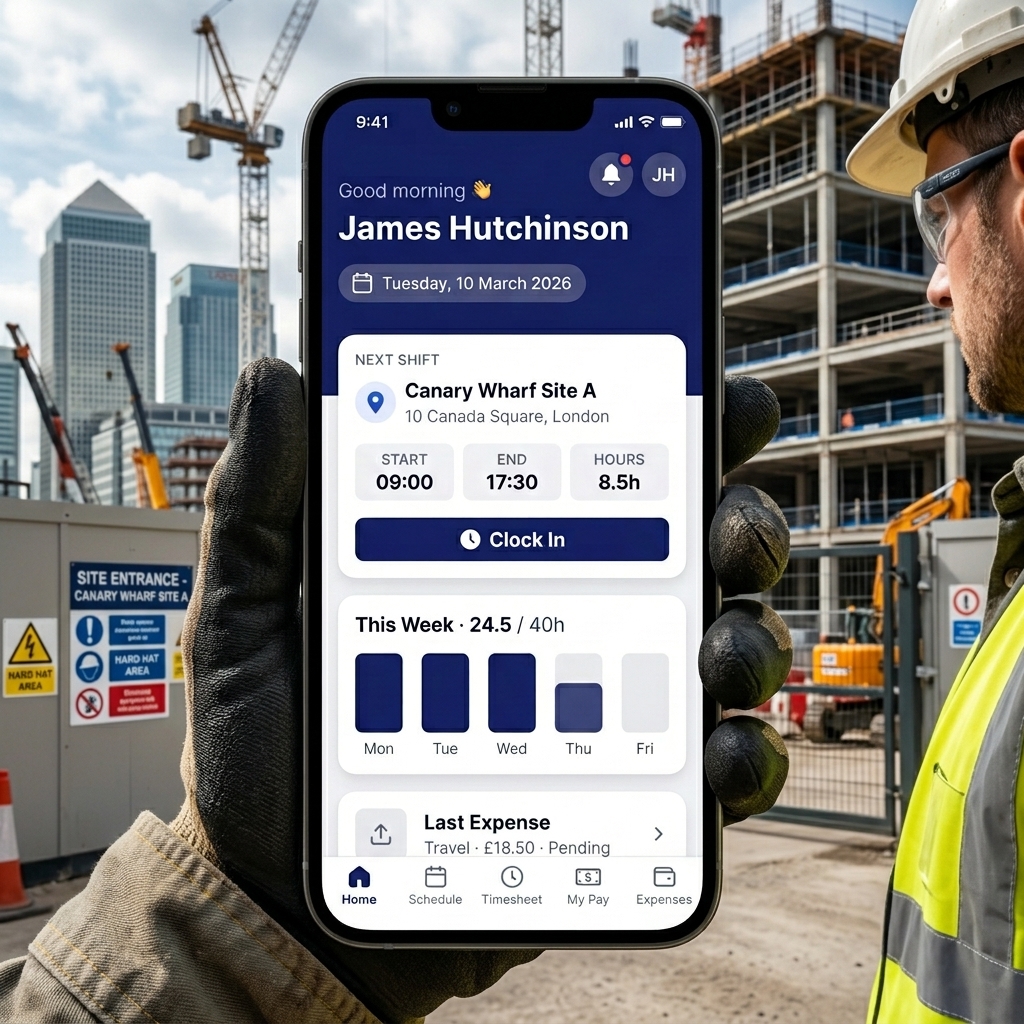
Privacy-First Time Tracking
Our system is UK GDPR-aligned. We verify on-site presence with a GPS check only at the moment of clock-in and clock-out. We never track live location or movement history, ensuring employee privacy is protected.
Why Mobile Clock In Matters
Manual attendance tracking is slow, inaccurate, and leads to costly errors. A mobile clock in app provides a modern solution that builds trust and efficiency.
End Paper Timesheets
Replace unreliable paper timesheets with precise, digital records of every start and finish time.
Reduce Disputes
GPS-verified check-ins give managers clear evidence of who was where and when. Out-of-range events are flagged automatically.
Speed Up Payroll
Create a fair, verifiable attendance log. Approved hours export directly to Sage, BrightPay, QuickBooks, or generic CSV.
Verify Attendance
GPS coordinates and distance from site are recorded at every check event, providing clear proof of on-site presence.
From Mobile to Payroll in 4 Steps
Our simple process ensures accurate timesheets every time.
Add Work Locations
Register your offices, sites, or client locations with a postcode or coordinates. Each gets a geofence radius for attendance verification.
Workers Clock In
Workers clock in with a single tap on the Android app or mobile web. GPS location is captured and verified against the geofence at that moment only.
Shifts Are Tracked
Each shift records scheduled vs actual hours, clock-in/out times, GPS coordinates, and distance from the geofence.
Approve & Export
Managers review and approve completed shifts. Export approved hours to your payroll system as CSV.
Core Mobile Clock In Features
Android App + Mobile Web
Native Android app for the best experience, plus a mobile web fallback that works on any smartphone with a browser and GPS.
GPS-Verified Attendance
Every check-in records GPS coordinates and distance from the geofence. Out-of-range events are flagged for managers.
Push Notifications
Workers receive push notifications for new shift assignments, shift reminders (60 min before start), and approval/rejection outcomes.
Manager Approvals
Completed shifts enter a pending approval state. Managers approve or reject with a reason. Workers are notified of the outcome.
Expense Submission
Workers can submit expenses with receipt images directly from their shifts. Managers approve or reject with a reason. All plans included.
Payroll Export
Export approved hours to Sage, BrightPay, QuickBooks, or generic CSV. Each export is stored as an immutable snapshot.
Built for Any UK Mobile Workforce
Construction & Site Teams
GPS-verified attendance across multiple building sites. See our construction time tracking page for details.Field Service & Engineers
Verify engineers and technicians arrive at client sites with GPS-verified check-ins at each location.Warehouses & Logistics
Track shift start and end times for staff across different depots, yards, or distribution centres with precision.UK GDPR Compliance by Design
Our mobile app captures GPS location only at the moment of clock-in and clock-out. No continuous tracking, no route history, no background location. Managers cannot see live employee locations — only whether check-ins were within the geofence.
All data is hosted in the United Kingdom (London region) on DigitalOcean infrastructure. Audit log retention varies by plan tier (30, 90, or 180 days). See our UK GDPR & Privacy page for full details.
Mobile Clock In App: FAQs
No. GPS location is captured only when a worker presses Clock In or Clock Out. No location data is collected during shifts, on breaks, or outside of working hours. There is no background tracking.
Workers can use the Android app for the best experience, or the mobile web app which works on any smartphone with a browser and GPS — no app store download required. They receive an email invitation to join.
The check-in is recorded and the distance from site is logged. The event is flagged as out-of-range and visible to managers on the shift detail page. Managers can review flagged events and decide how to handle them.
No. Managers cannot see a live map or track worker movements. They can see who is on shift and whether check-ins were within the geofence, but there is no live location tracking. The system is for attendance verification, not surveillance.
Yes, provided it is done transparently and proportionately. Geo Time Tracker captures GPS only at clock-in/out — never continuously. We recommend informing staff in their contracts that a GPS attendance verification system is used. See our UK GDPR & Privacy page for details.
Accurate Attendance, Reduced Admin, Privacy-First by Design
Request a free demo to see how our mobile clock in app can simplify your timesheet process.